Your footage library, inside Claude.
One click connects DAAAM to Claude Desktop or Claude Code. Ask about your footage in plain English — Claude searches your real archive, knows which drive each clip is on, and returns ranked results grounded in what you actually shot.
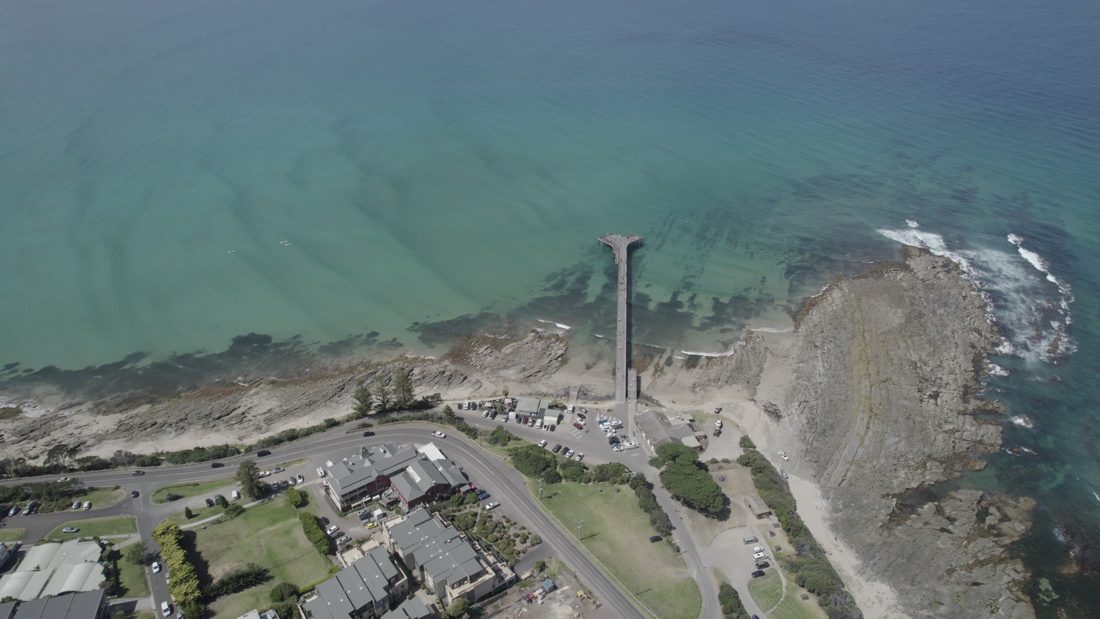
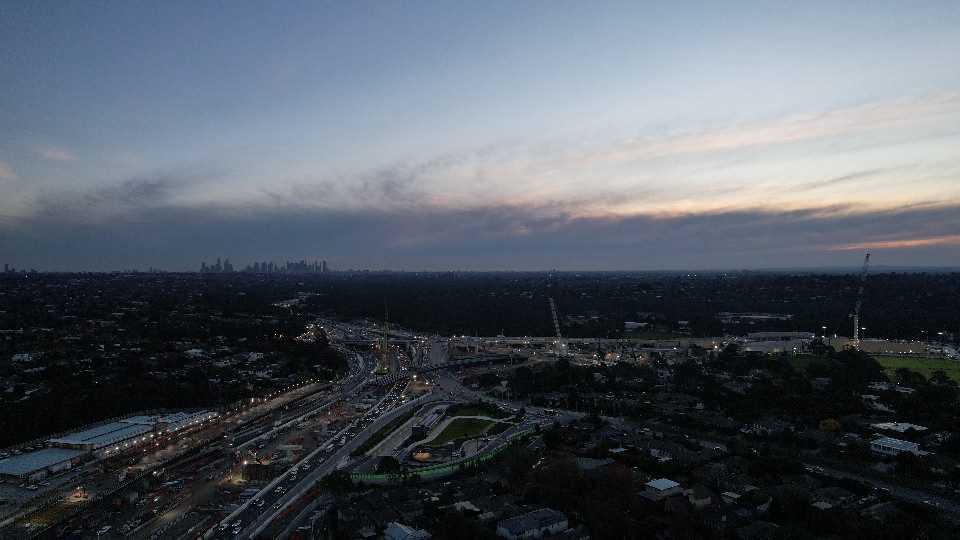
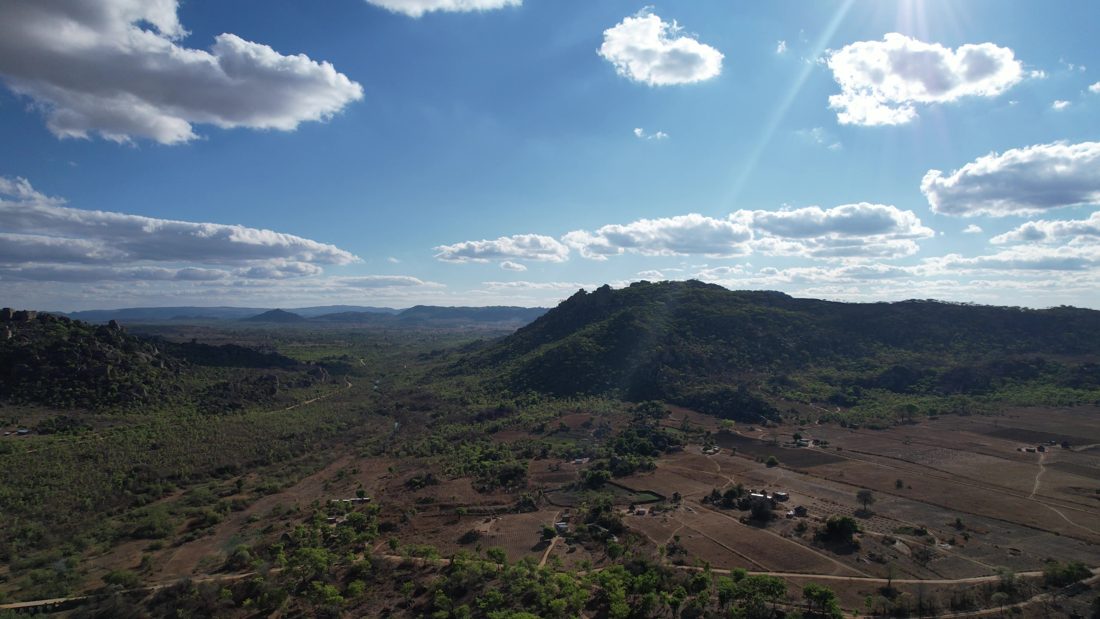
Ask Claude about your footage
Type "find my ten best drone shots over open water" and Claude queries your DAAAM catalogue — returning actual clips with editorial descriptions, capture times, GPS locations, and the path to each source file. It uses the same search engine as the app, with the same quality, available anywhere you talk to Claude.
Claude can also explain what's missing
When a search returns weak results, DAAAM tells Claude — which tells you: "Nothing closely matched 'stormy seascape' — your closest shots are overcast coastal aerials from Cape Town." Honest pivots, not empty results.
Drive awareness that travels with you
Your footage spans multiple drives. DAAAM's MCP server knows this. When a clip is on a drive that isn't plugged in, Claude says: "This shot is on SHONASHARED — connect that drive." Not a missing file error. Not silence. The right instruction.
Connect in seconds
Claude Desktop — one click
Go to Settings → Connect to AI and toggle "Connect Claude Desktop." DAAAM edits the config file on your behalf — no JSON editing, no terminal. Restart Claude Desktop and the DAAAM tools appear under the plug icon.
Claude Code — one command
Copy the command from the same Settings panel and paste it into your terminal. Done. Any other MCP-compatible host — Cursor, Continue, Cherry Studio — works too using the JSON block from Settings.
Still completely private
The MCP server runs as a local subprocess on your machine. It talks to Claude over stdio — no network port is opened, no footage is sent anywhere, and no catalogue data reaches Anthropic's servers. The only data Claude can reach is your local database.
What Claude gets access to
| Tool | What Claude can do |
|---|---|
| Search your catalogue | Natural language search — same engine, same quality as the app. Optional filters: country, city, device type. |
| Browse your library | Page through every asset, newest first. Useful for "show me everything from the Zimbabwe trip." |
| Inspect a clip | Full metadata on one asset: vision captions, transcript, capture time, GPS location, chunk count. |
| View your boards | List all storyboards and collections, with item counts. Get the ordered frames in any board. |
| Check what's indexed | Asset count and database path — confirm there's a catalogue to search before running queries. |
| Drive status | Every result reports which physical drive the original lives on and whether that drive is mounted right now. |