Find footage by describing it. Not naming it.
Stop scrubbing timelines. Type what you remember — 'close-up of hands, soft light, no faces' — and DAAAM finds the frame from a pre-built local index, no upload required. Search by meaning and by specifics.
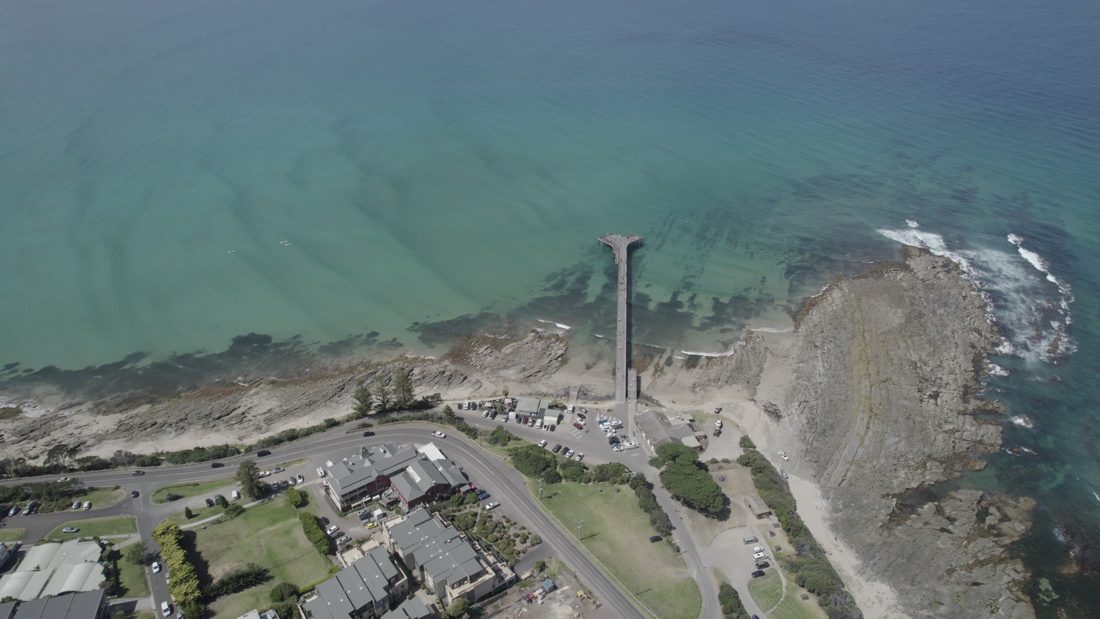
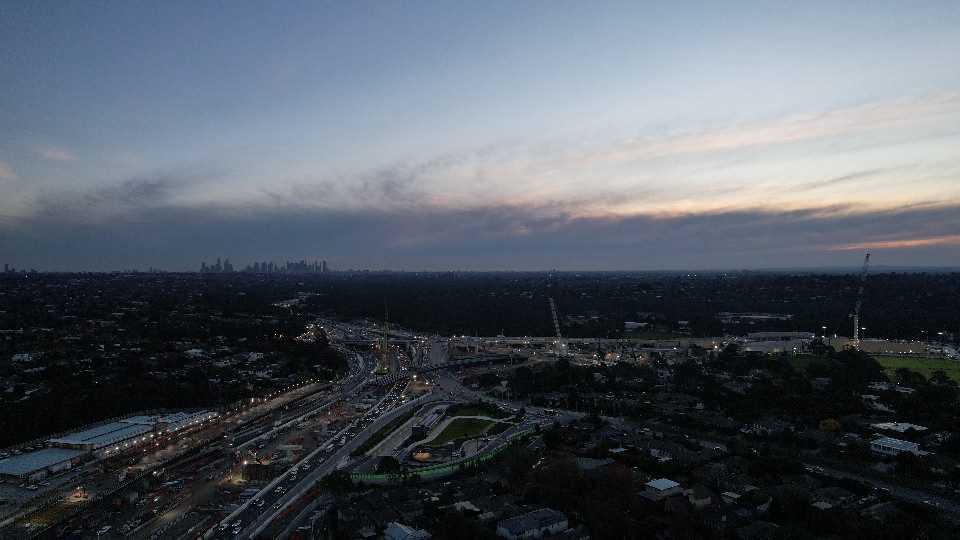
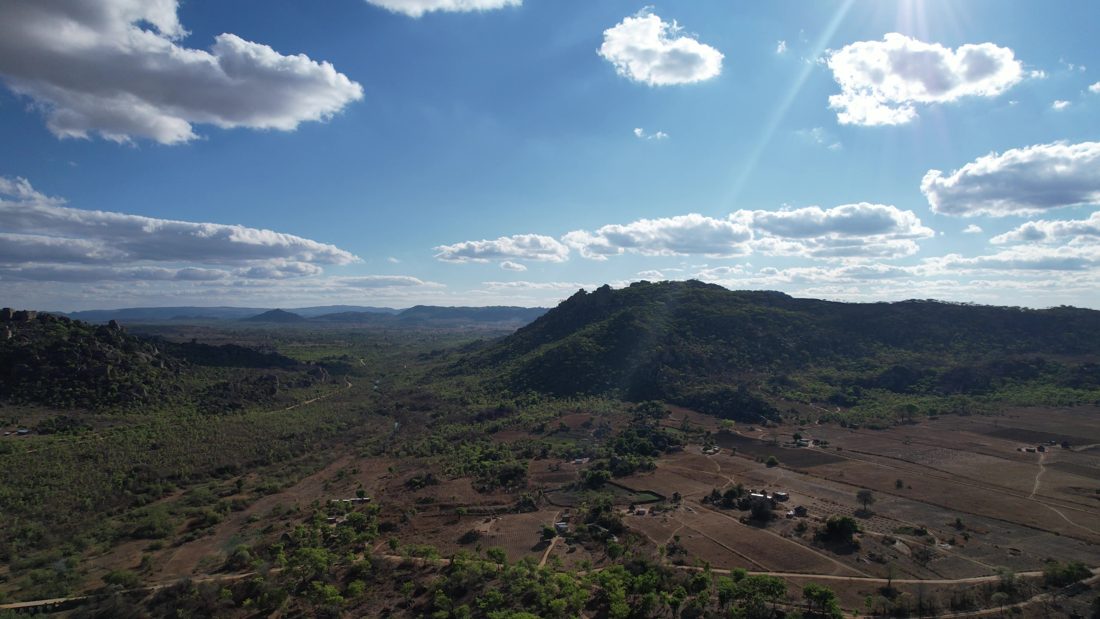
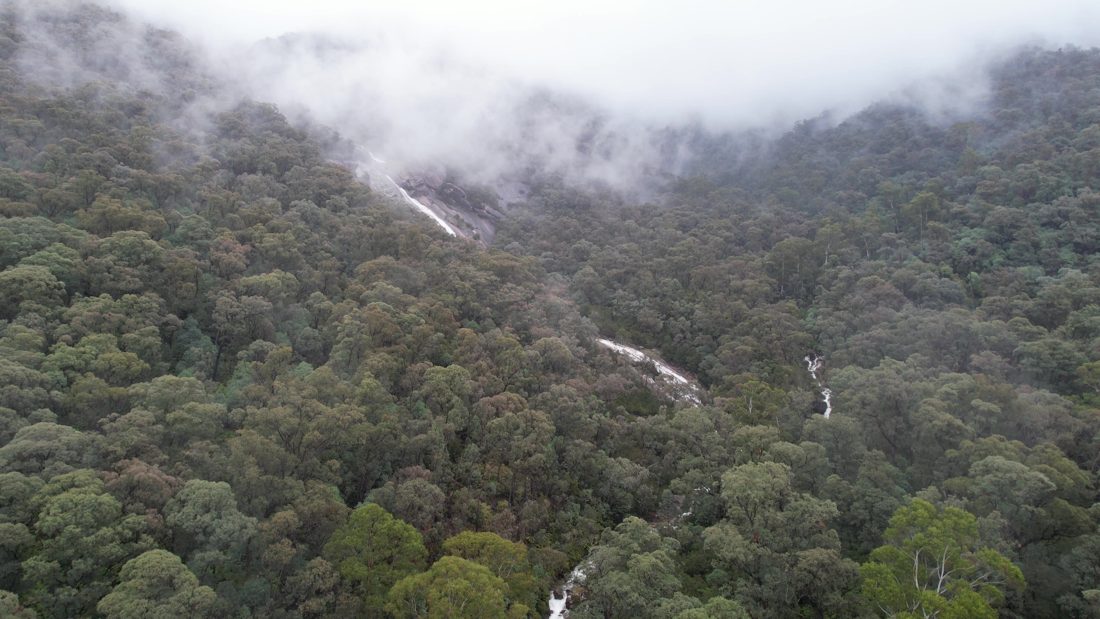
The search interface
DAAAM's search bar accepts plain English queries. No boolean operators. No keyword tags. No folder hierarchies. Just describe what you're looking for.
How the search actually works
Search by meaning
Describe the shot — mood, light, composition, what's happening — and DAAAM finds frames that match, even when your words never appear in the filename or folder path.
<strong>Example:</strong> You search "serene mountain lake reflection, dawn light." DAAAM finds frames described as "calm alpine water at sunrise, mirror surface, pink sky gradient" — different words, same shot.
Search by specifics
Camera model, place name, codec, date — exact matches still work when you know the detail you need. "Canon R5 aerial" matches on camera metadata. "Bourke Street" matches location data.
Ranked results
Both kinds of search run together. The strongest matches rise to the top — obvious finds first, near-matches close behind.
Result modes
- Frames — Individual stills with relevance indicators. Best for finding a specific visual moment.
- Assets — One card per video clip, showing the best-matching frame. Best for identifying which source file contains your shot.
- Map — Geospatial scatter of matching clips, plotted by GPS. Best for location-based shoots.
What the search understands
DAAAM's search understands filmmaking vocabulary. It knows what 'shallow depth of field' means. It understands 'rule of thirds.' It can match 'negative space for titles' against 'clean upper-right gradient.' Built for editors, not stock-photo captions.
Honest limitations
- Abstract concepts. "The feeling of betrayal" is harder to match than "close-up, furrowed brow, tears." Works best with concrete visual and audio descriptors.
- Flat log footage. Ungraded log can look grey and low-contrast. Descriptions improve when footage is closer to a finished look.
- Initial indexing time. A 500-hour archive takes hours to process locally. This is a one-time cost.